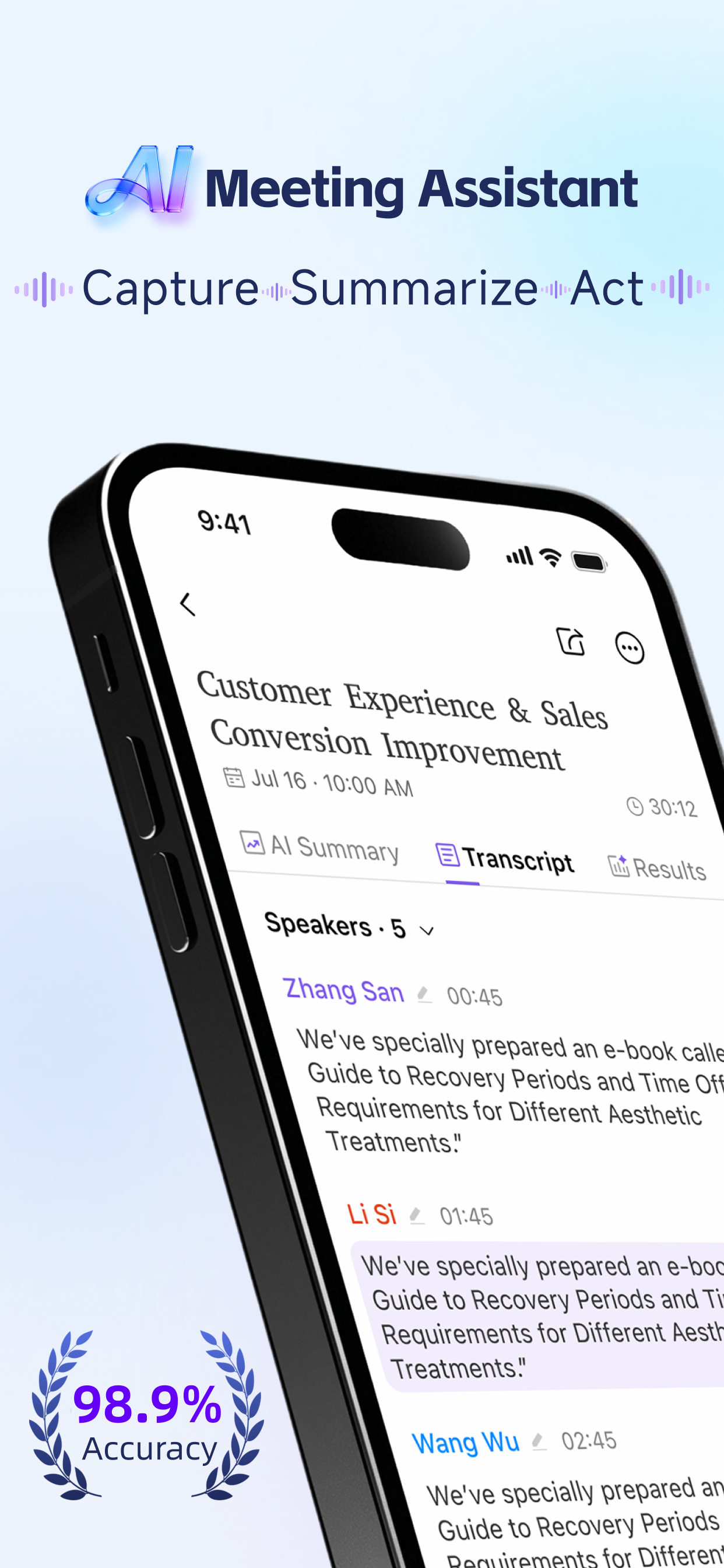
CoHear is an AI information-organization and deliverable-generation app for mobile
work, meetings, collaboration, and content organization. Its primary purpose is to turn meeting and
work-conversation recordings into clear, structured materials that people can use after a conversation.
Users can record a meeting in real time, upload an audio file after a meeting, or
import related materials. CoHear transcribes the supplied content, preserves it as a viewable and
traceable session record, and organizes it into meeting notes, analysis summaries, key takeaways,
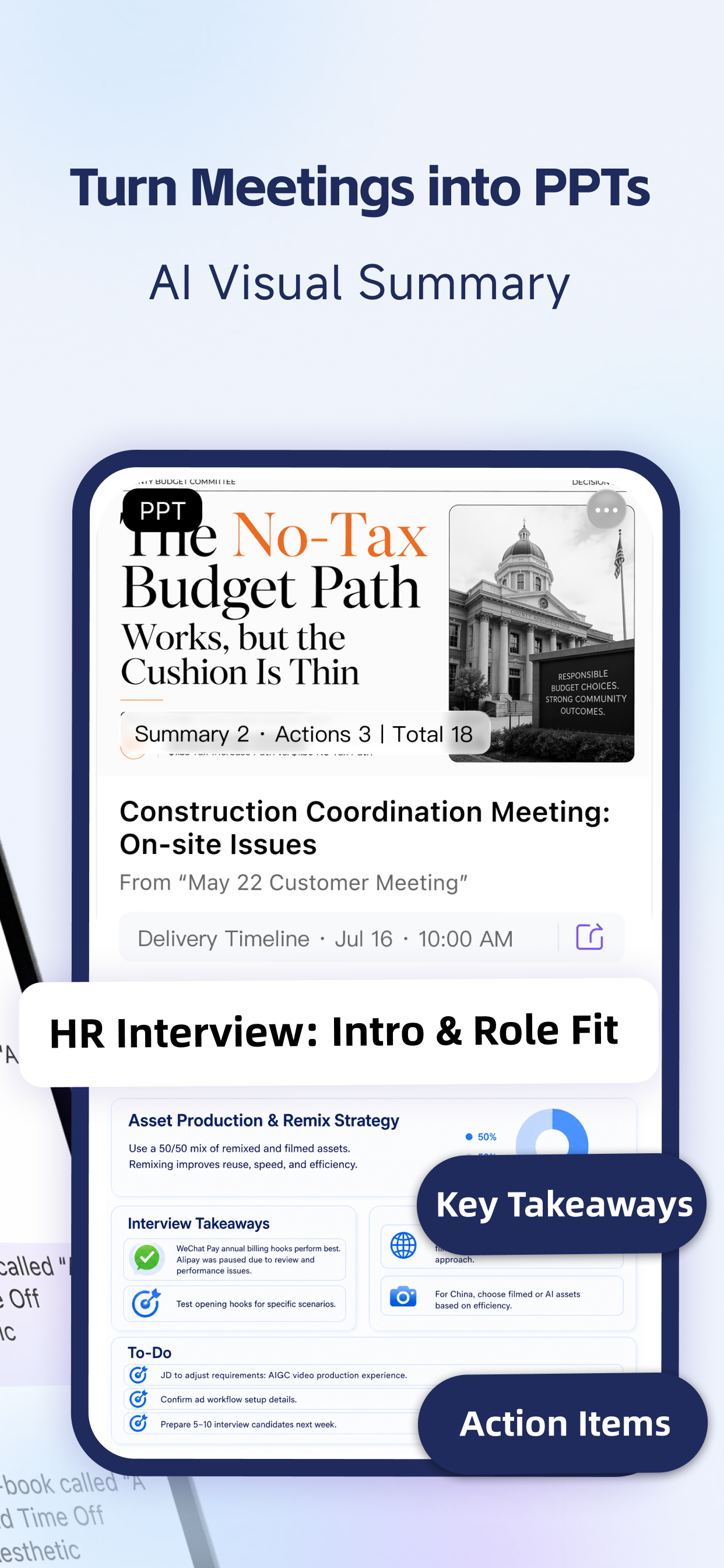
conclusions, risks, action items, and topic archives. It can then turn the organized information into
panoramic reports, visual infographics, PDFs, PPTs, interactive HTML pages, and other reusable
deliverables.
People use CoHear for work meetings, customer conversations, interviews, training
sessions, project reviews, and personal work notes. The app helps them understand what was discussed,
identify what needs to happen next, and prepare materials for follow-up, team alignment, customer
communication, project retrospectives, archiving, and reporting.
CoHear is designed for individuals and teams who need to capture, understand, and
follow up on spoken work content, including meeting participants, project teams, customer-facing teams,
consultants, researchers, trainers, and learners.
Sign in with Google
CoHear offers Google Sign-In to create and authenticate your CoHear account. When you use Google
Sign-In, the Google Sign-In SDK may make your Google account identifier, name, and email address
available to CoHear, together with authentication credentials such as an ID token and server
authorization code. CoHear uses the ID token and server authorization code to authenticate your CoHear
account with the CoHear backend. Your name or email address may be used locally as a display-name
fallback. The app does not request additional Google API scopes. Google processes authentication and
related technical information in accordance with Google's Privacy Policy.