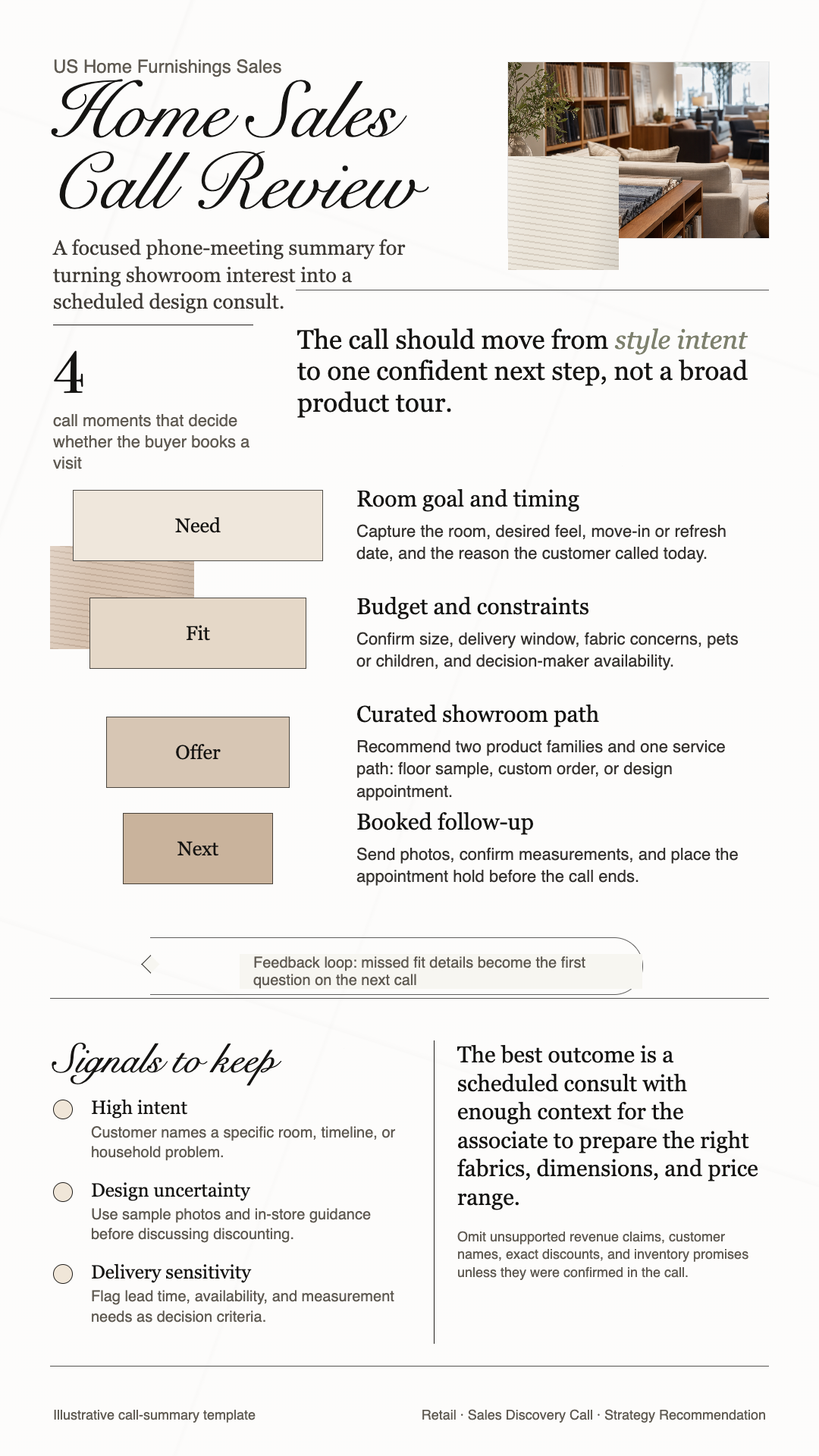
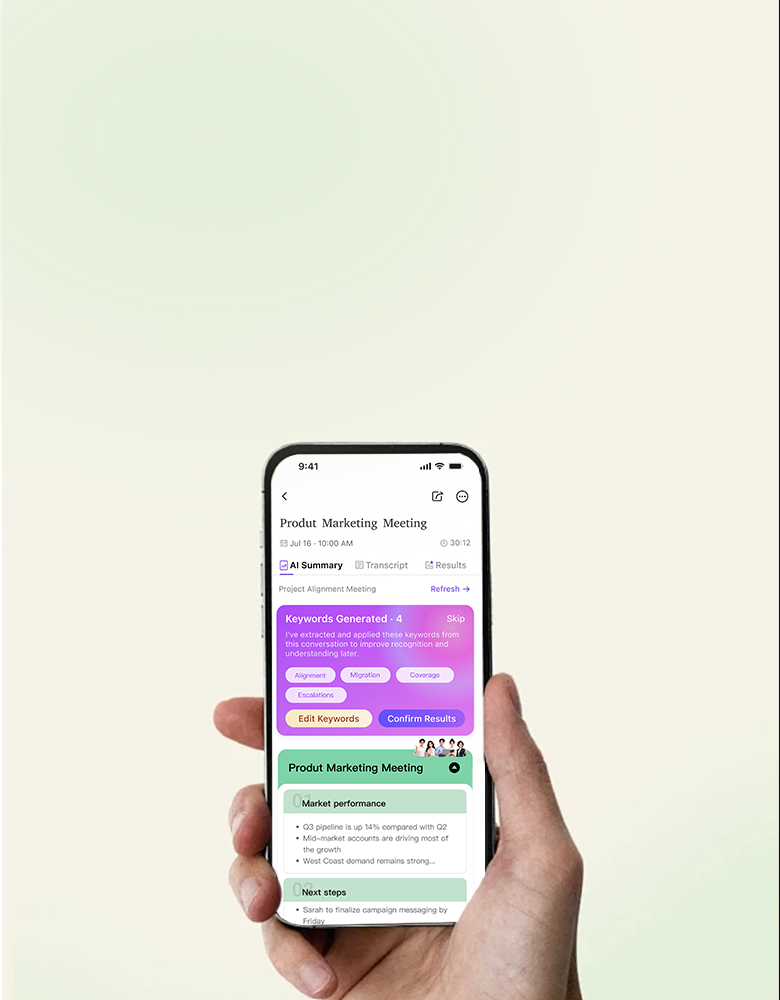
CoHear's U.S. coverage model connects product-ready industries, roles, and meeting tasks so the result can reflect the work in front of you.
INDUSTRIES
Technology, Software, and ITHealthcareFinance and InsuranceEducationConstructionManufacturingTechnology, Software, and ITHealthcareFinance and InsuranceEducationConstructionManufacturingTechnology, Software, and ITHealthcareFinance and InsuranceEducationConstructionManufacturing
LogisticsConsultingHR & RecruitingReal EstateMarketing and AdvertisingMedia and ContentLogisticsConsultingHR & RecruitingReal EstateMarketing and AdvertisingMedia and ContentLogisticsConsultingHR & RecruitingReal EstateMarketing and AdvertisingMedia and Content
These are focused examples, not the boundary of what the product can support. Choose one to see the information CoHear can keep visible after that kind of conversation.
01
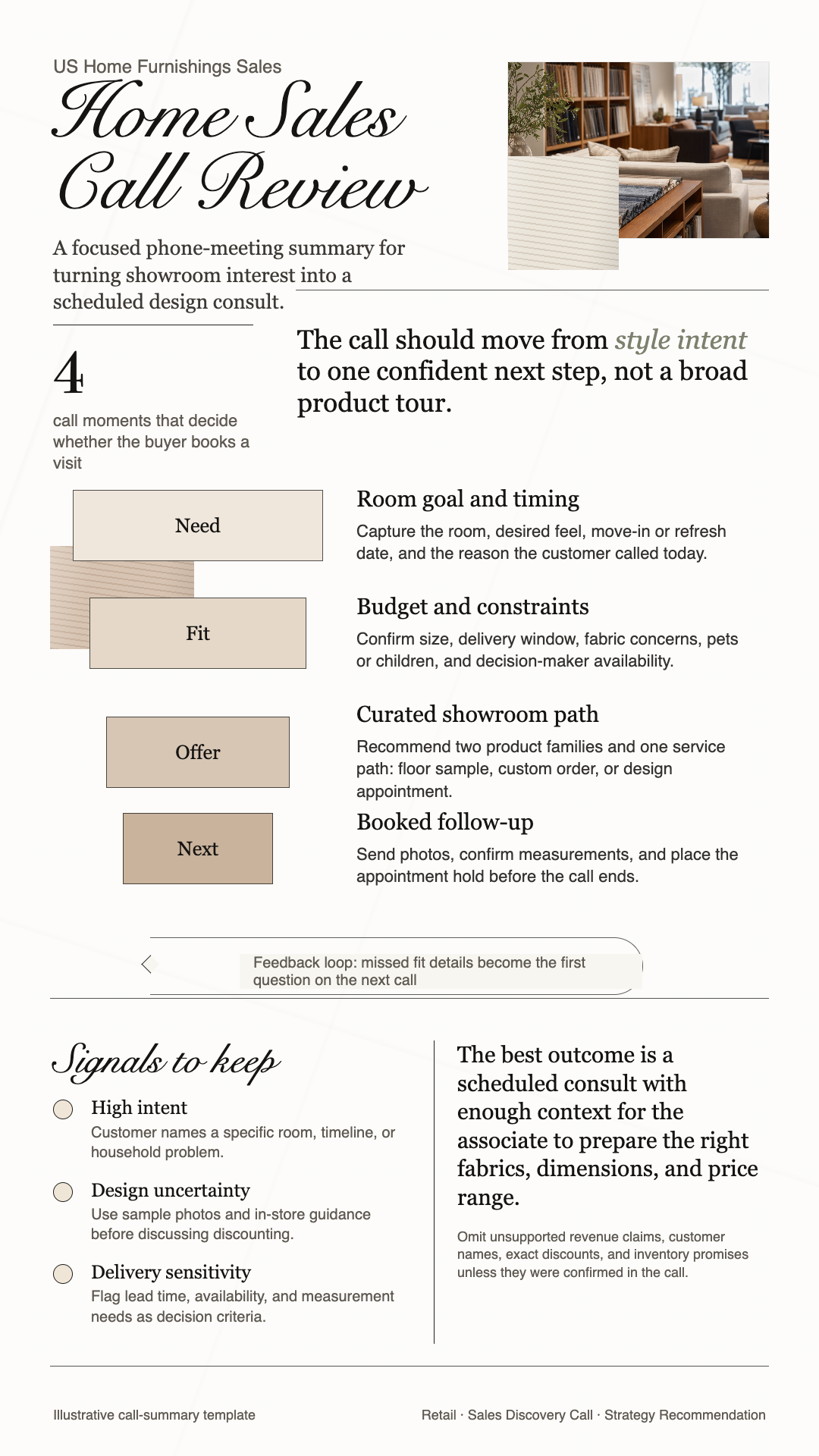
Sales discovery
Keep the customer story and next step together.
Customer needs and real motivation
Concerns, objections, and buying signals
Decision information and deal blockers
Follow-up actions and risks to watch
02
Customer success
Carry customer context into every follow-up.
Customer goals and current usage
Dependencies, handoffs, and milestones
Health signals and expansion opportunities
Next customer follow-up and owner
03
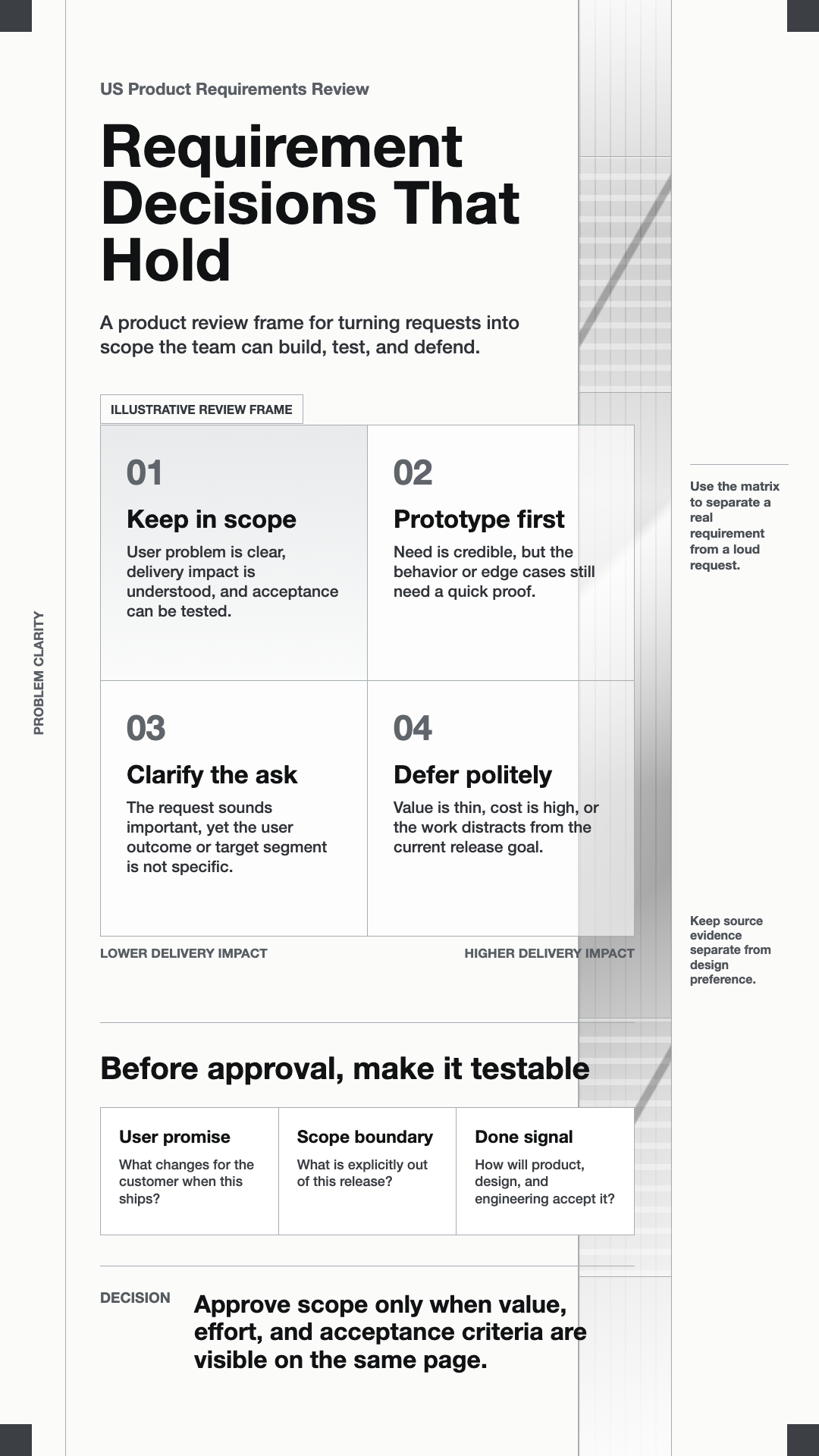
Product and research
Turn real meetings and interviews into product signals.
Problem evidence and user context
Requirements, options, and trade-offs
Confirmed decisions and open questions
Validation work for the next review
04
HR recruiting
Keep candidate evidence close to the decision.
Role requirements and interview coverage
Demonstrated evidence and claimed strengths
Risks, unknowns, and next verification
Recruiter and interviewer follow-up
05
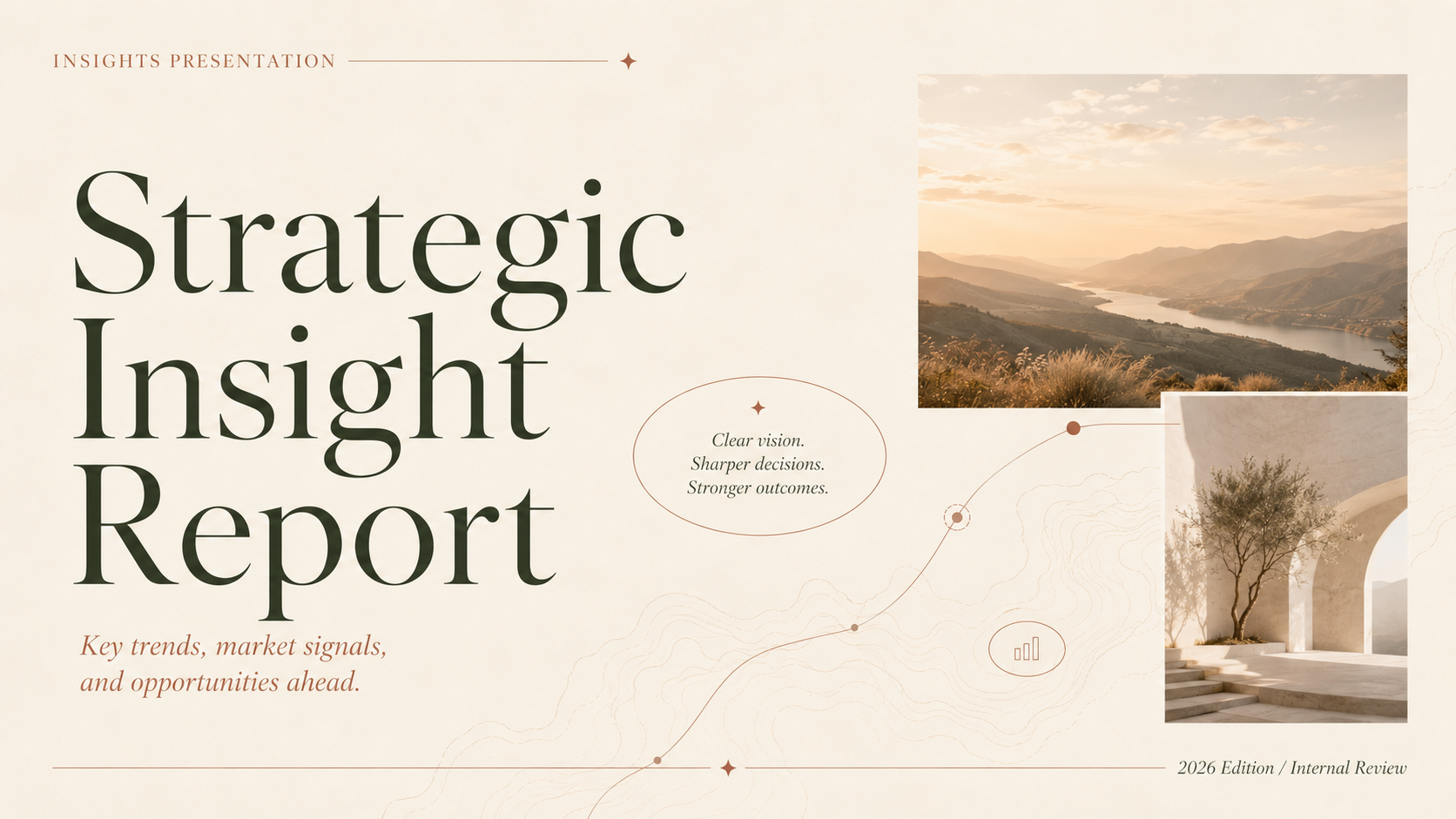
Strategy consultant
Turn discovery conversations into a structured, client-ready brief.
Client goal and current situation
Decision criteria and options discussed
Reservations, commitments, and items to confirm
Client-ready follow-up brief
06
Project and operations
Make decisions, risks, and dependencies visible.
Milestones, stage, and current progress
Action ledger with owners and dates
Dependencies, blockers, and risks
Escalations and the next control point
Useful structure, not a rigid form.
01 Each workflow makes the details most useful to that task easier to find.
02 The source conversation remains available when a decision or claim needs review.
03 Missing facts remain missing. CoHear does not turn inference into confirmation.
Start with your next important conversation.
Sales, customer success, product research, recruiting, consulting, operations, and many more workflows can begin with the same trusted record.
For sensitive or regulated work, use CoHear only within the permissions, notice, and data-handling requirements that apply to your organization.
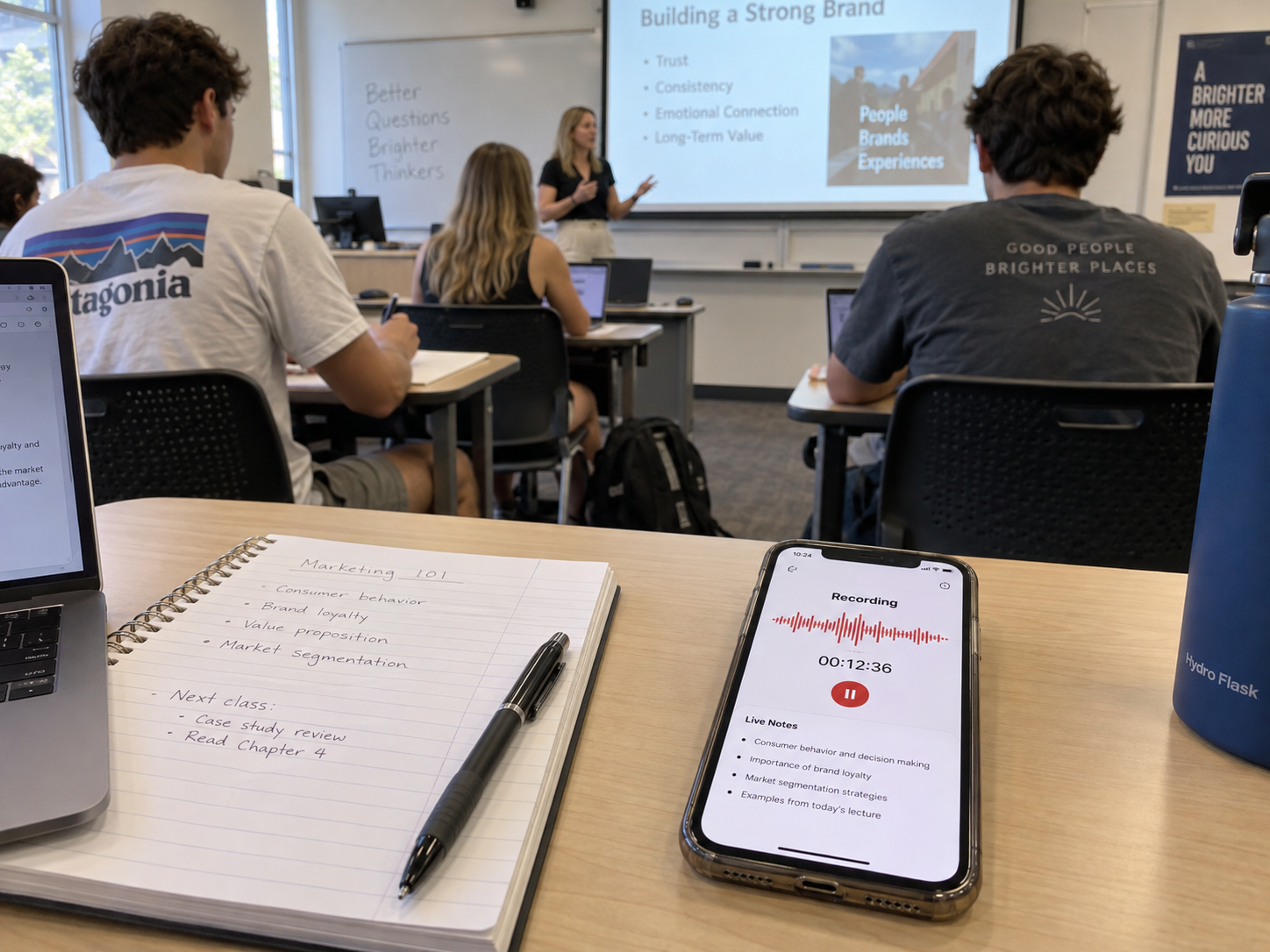
Turn class recordings into a study plan you can use.
CoHear helps you turn a class, lecture, or study session into the next tasks, key concepts, questions to revisit, and practice for what comes next.
✓Private by default. Use recordings with the notice and permissions that apply.
48academic disciplines23education analysis skills09learning support capabilities
Understand it. Practice it. Check it. Keep learning.
One class record can become a focused path for review and practice, so important concepts do not get lost after the lesson.
Study with less effortMaster the points that matterBuild confidence for the next assessmentDo not lose what was taught
CLASS LEARNING RECORD
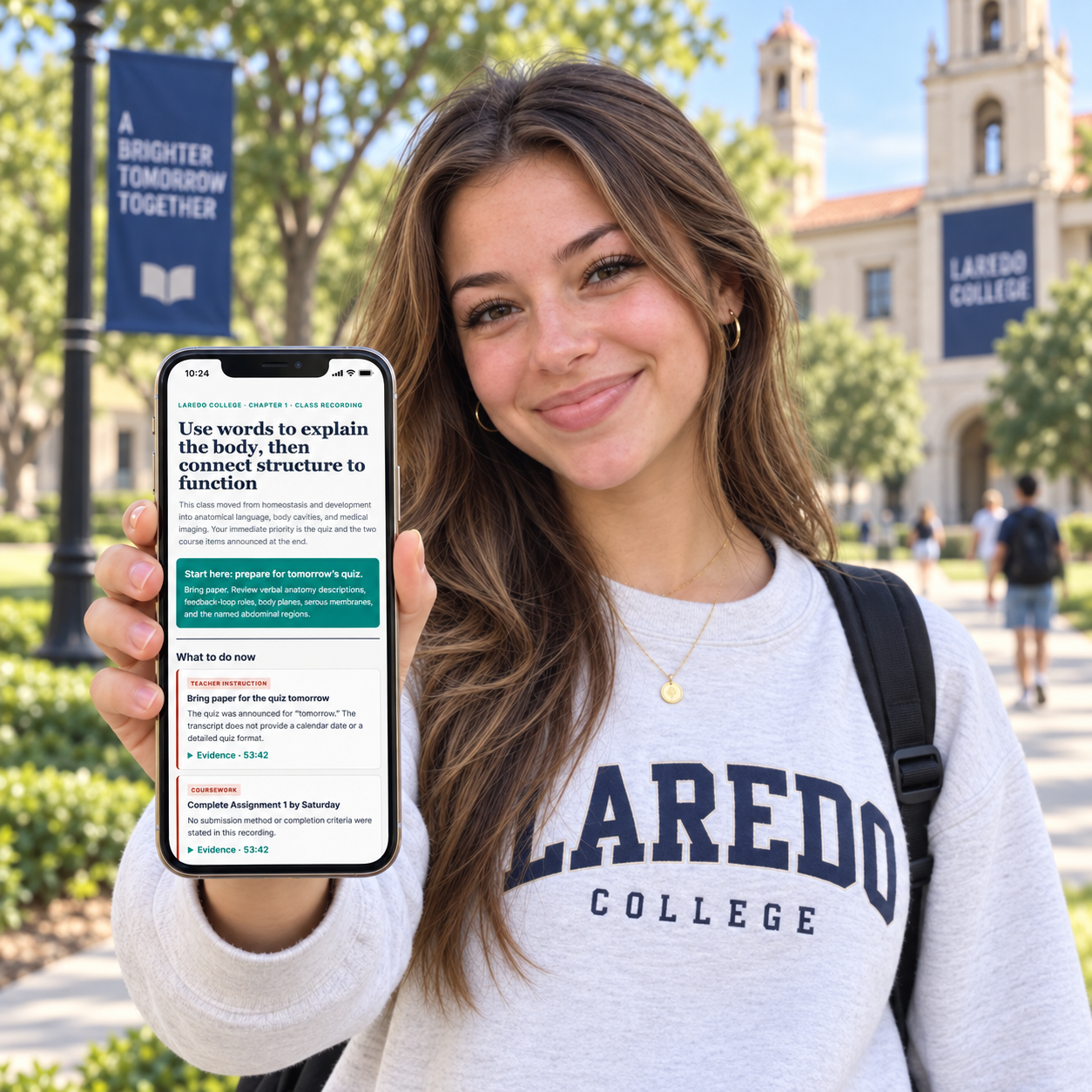
CoHear turns one class into a clearer study plan.
Keep key ideas, likely exam focus, and next study actions together while the original class audio remains available.
YOUR COHEAR STUDY PATH01
Know the assessment focus
See the concepts and question directions emphasized in class before you start reviewing.
LIKELY EXAM FOCUSFeedback loopsBody planesNamed regions
02
Build the core relationships
Connect the concepts that need more than recall: cause, contrast, structure, and function.
KEY CONCEPTSStructure → functionCompare terms
03
Practice with targeted questions
Use focused prompts that ask you to explain, compare, and apply what the class covered.
PRACTICE SETExplainCompareApply
04
Finish the next actions
Keep quizzes, assignments, and course checks visible in one practical review order.
NEXT ACTIONSQuizAssignmentCourse check
CoHear uses what was taught and emphasized in class to identify likely exam topics and question directions. It does not guarantee an instructor's final exam.
CoHear Notetaker moves class and work forward
CoHear supports many kinds of conversations. Start with the conversation you need to understand, remember, or act on.
Review what was taught, then practice what you need to explain or apply.
01
See the score opportunity
Complete key practice and see where stronger answers can help you earn more on the next assessment.
02
Turn key points into practice cases
AI turns important concepts into cases and prompts that show whether you can actually use them.
03
Know what to review and how to prepare
Keep stated requirements, answer formats, and source-backed key points close before you study.
CoHear AI notetaker keeps knowledge, assignments, and class evidence ready to use.
Your AI meeting agent structures what was taught, tracks the work you need to do, and keeps each key point connected to the original class audio.
01
Make complex knowledge reviewable
Concepts, formulas, steps, and examples are organized into a structure you can return to.
One lesson, a clearer review path.02
Keep assignments and deadlines together
Tasks, due dates, completion requirements, and support details stay in one place.
Do not lose the work that needs doing.03
Return every key point to the source
Replay the relevant part of the class when a concept, requirement, or answer needs checking.
Review with evidence, not guesswork.
Know what to review, practice, and prepare for.
CoHear is a learning support tool that turns permitted class audio into a focused plan for study and assessment preparation.
No. Results are grounded in class content and do not infer grades, ability, motivation, or mastery.
Yes. Record permitted class audio, then return to the lesson for concepts, questions, tasks, and practice.
They are based on what was taught, with a clear distinction between class content and CoHear's generated practice.
Yes. CoHear uses instructor emphasis, repeated concepts, stated requirements, and the class structure to surface likely exam topics and question directions for preparation.
Yes. Return to the recording and transcript when you need to revisit a concept, example, or instructor explanation.
It can organize assignments, completion requirements, and deadlines that were stated in the class record.
Yes. Your instructor and course materials remain the source of truth for requirements, grading, and academic expectations.
Your meeting content deserves clear controls.
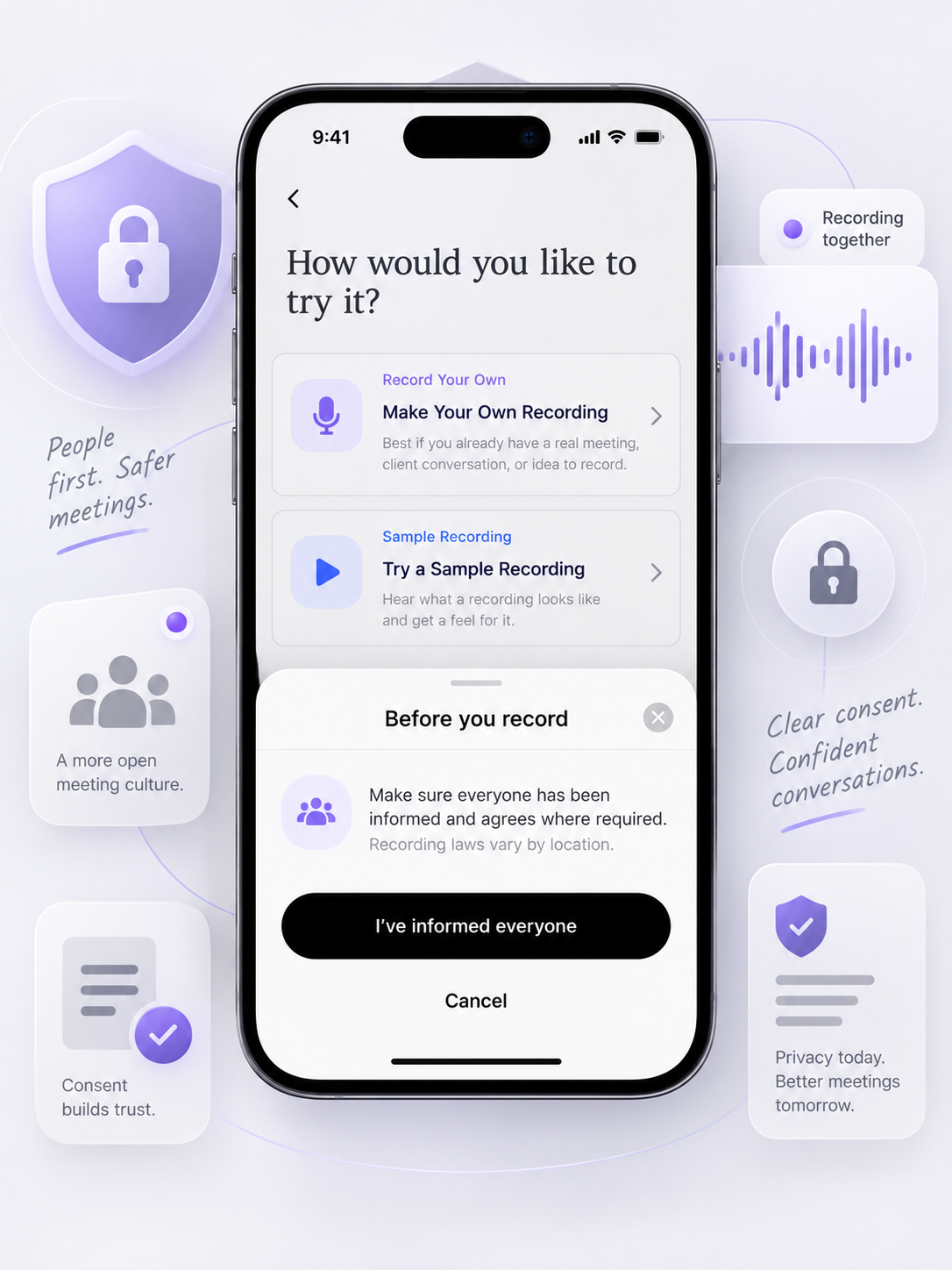
CoHear is designed to make recording notice, data processing, sharing choices, and deletion options understandable before and after you capture a conversation.
Before recording, make sure you have informed everyone and obtained any consent required by local law.
CoHear processes recordings, imported materials, transcripts, and generation requests to provide transcription, analysis, and content-generation features. You can manage AI data-processing authorization in the app.
Recordings and transcripts are associated with your account and are accessible only to you unless you choose to share them. Choose whether to share audio, transcript, summary, or artifact.
You can request deletion of your account and associated recordings, transcripts, summaries, and generated deliverables, subject to applicable legal exceptions and technical deletion schedules.
CoHear uses service providers for speech recognition, AI processing, storage, authentication, analytics, attribution, and notifications. See the Privacy Policy for current providers and purposes.
Questions worth answering up front.
New recordings, transcripts, summaries, and generated results start private to your account unless you choose to share them.
Model training is off unless you give separate, explicit authorization.
Inform everyone and obtain any consent required by the law that applies to your situation.
Privacy and security
Private by default. Visible by design.
Every control stays visible — recording notice, sharing controls, deletion, export, and AI data choices — before and after you record.
Start with the free plan, then add more recording room or creative output when you need it.
Monthly plans only. Subscriptions are completed in the CoHear iOS app through Apple.
Prices are shown in USD. Plans renew monthly unless cancelled in your Apple Account subscription settings.
Try Meeting Plus free for 7 days.
Eligible first-time subscribers can try Meeting Plus free for 7 days. After the trial, it renews at $14.99/month unless cancelled at least 24 hours before the trial ends. Manage or cancel in your Apple Account Subscriptions settings.
400 minutes of monthly in-app recording, 3 file imports per month, and up to 2 hours per recording.
AI Inspiration credits are used for generation features such as reports, infographics, and presentations.
Eligible first-time subscribers who have not used the trial.
Manage or cancel subscriptions in your Apple Account Subscriptions settings.
Take CoHear with you.
Scan with your iPhone camera to download CoHear from the App Store.
Questions before you start
Start with your next meeting.
CoHear connects context across meetings, shows the evidence behind insights, and turns understanding into a next action or useful artifact.
No. Record when it helps, or import an audio file after a meeting. CoHear supports the meetings and work conversations you choose to keep working with.
Choose whether to share the audio, transcript, summary, or generated artifact.
New recordings and results are private by default. CoHear provides recording notice, sharing controls, and deletion controls for the content you choose to keep.